Built on Seedream 5.0
In two versions: Flash, fast and economical, and Pro, the best quality. Your plan says which you use.

AI Image Studio · Seedream 5.0
Posters, product shots, characters and artwork on a model built on Seedream 5.0, which thinks before it draws. Then change any picture by drawing on it, and turn the one you love into the first frame of a video.
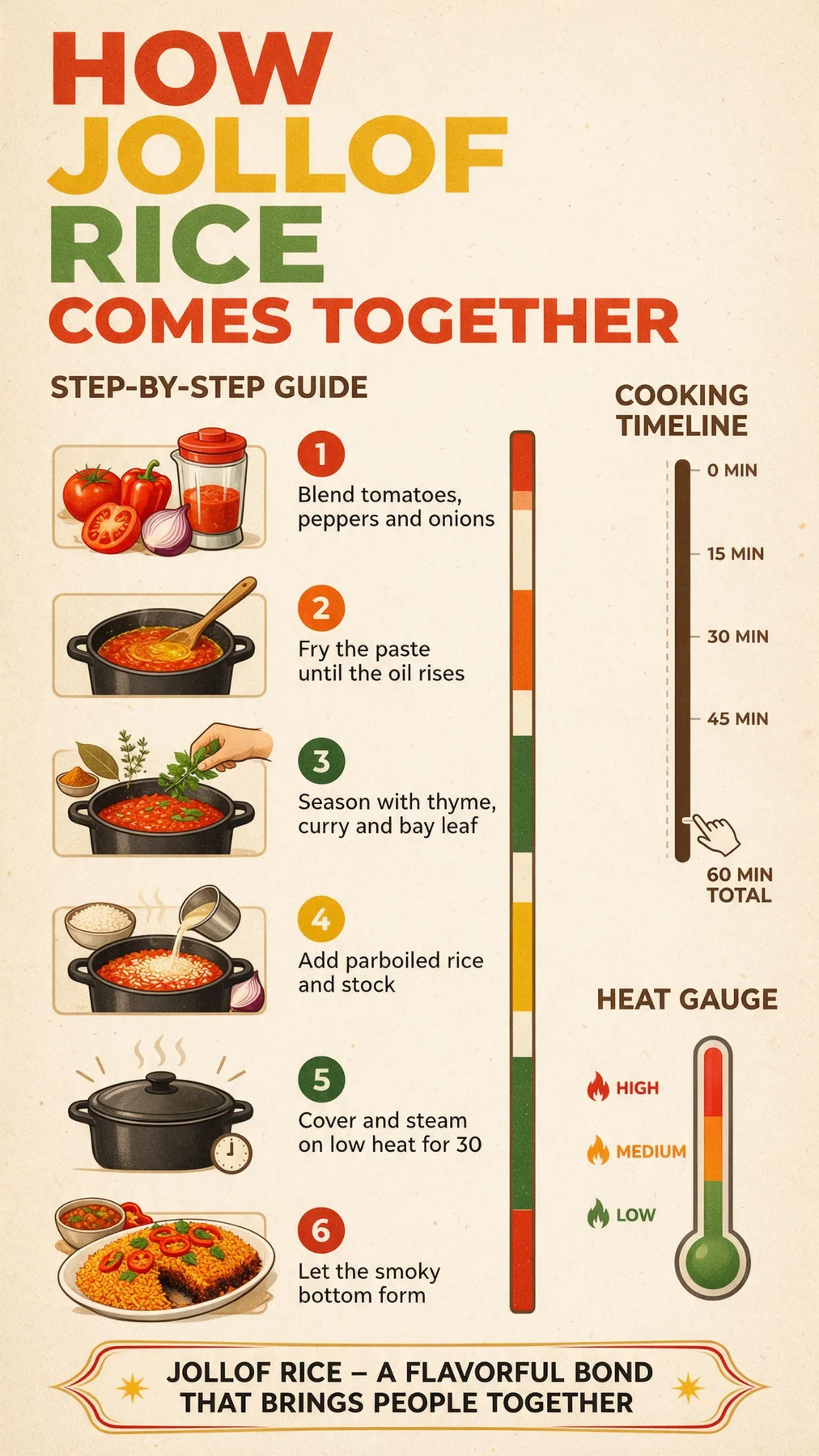
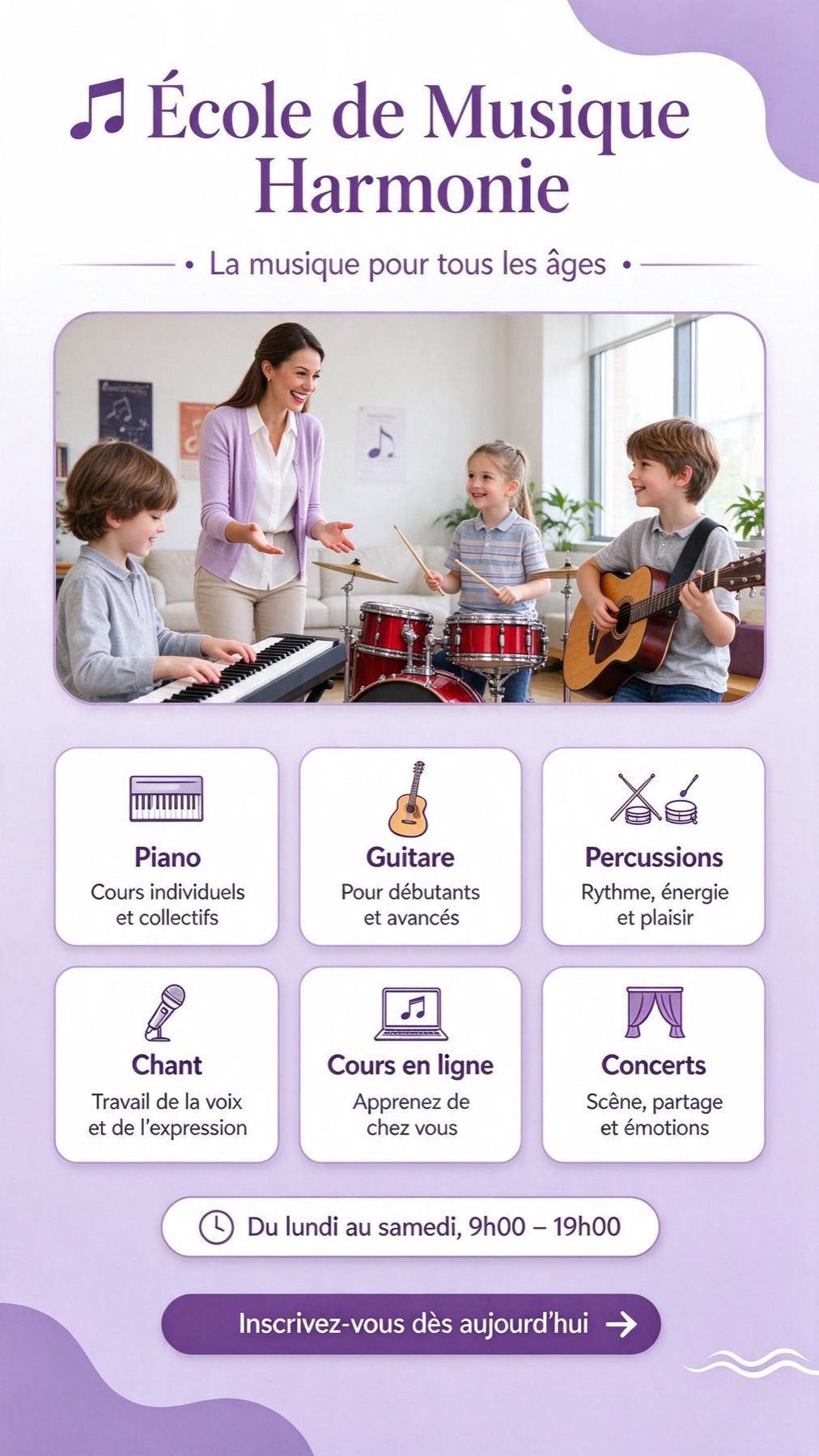
Masters complex reasoning and the organisation of information, so it can make text-rich images for teaching, business and other specialist work.
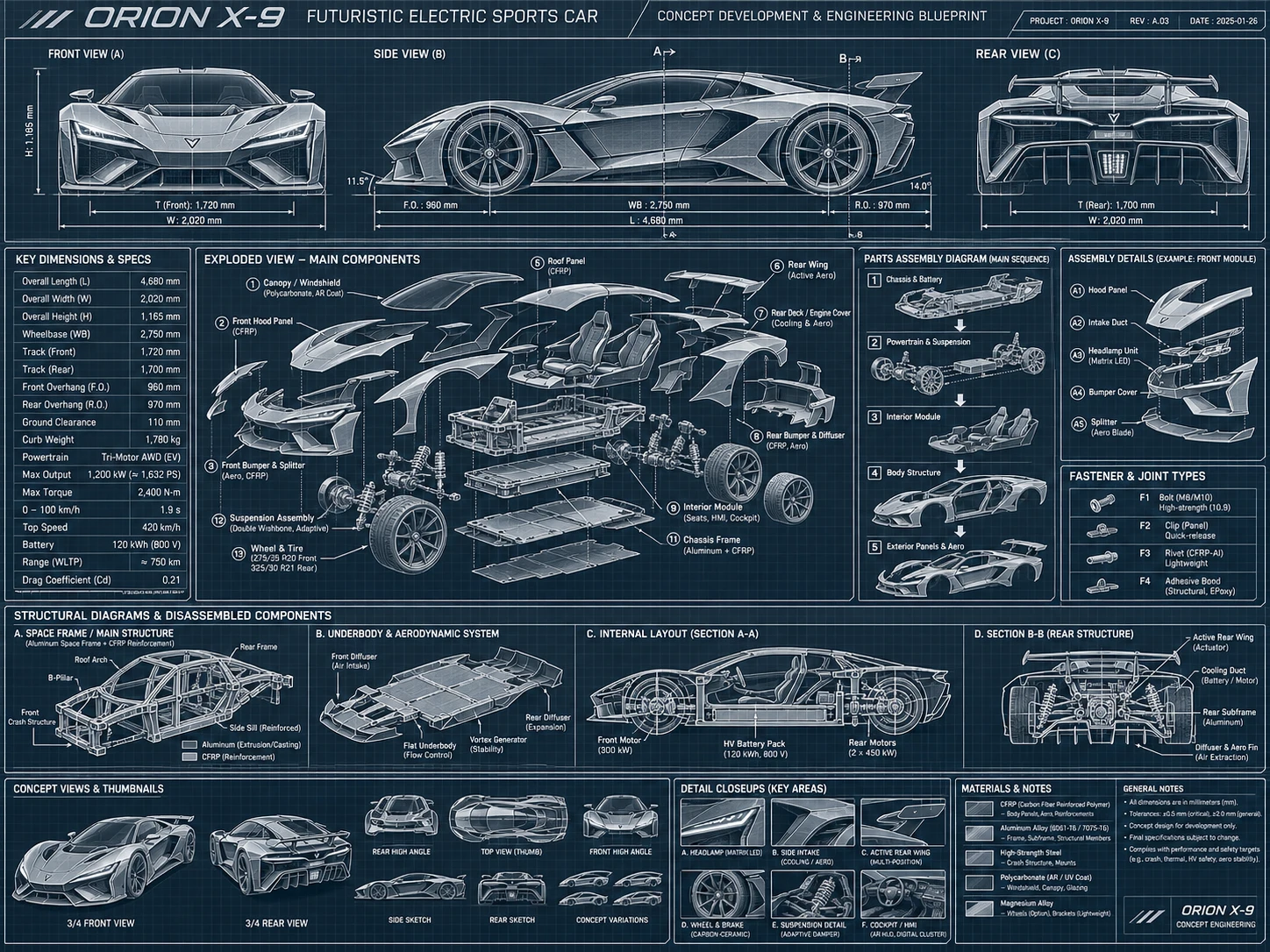
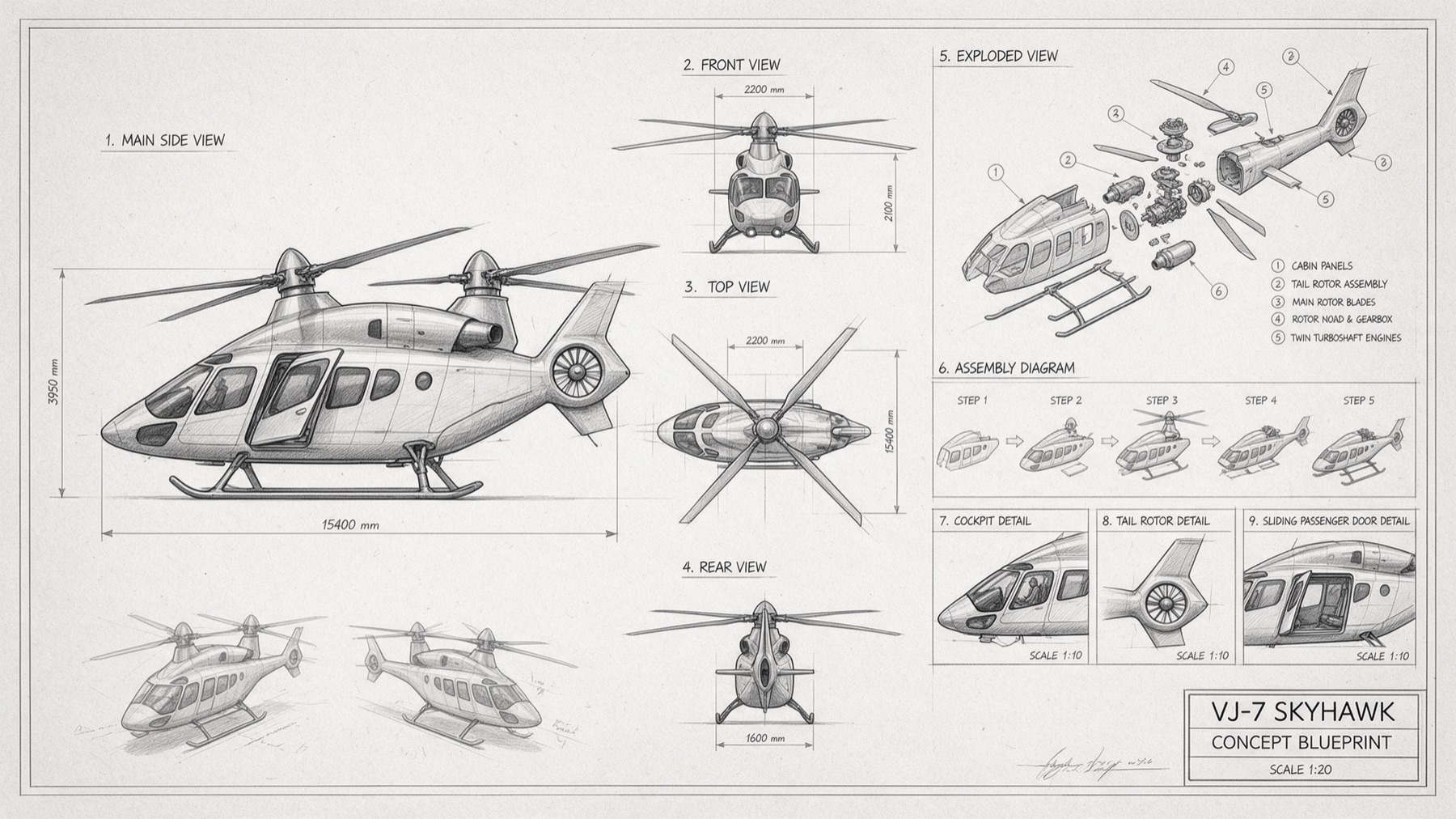
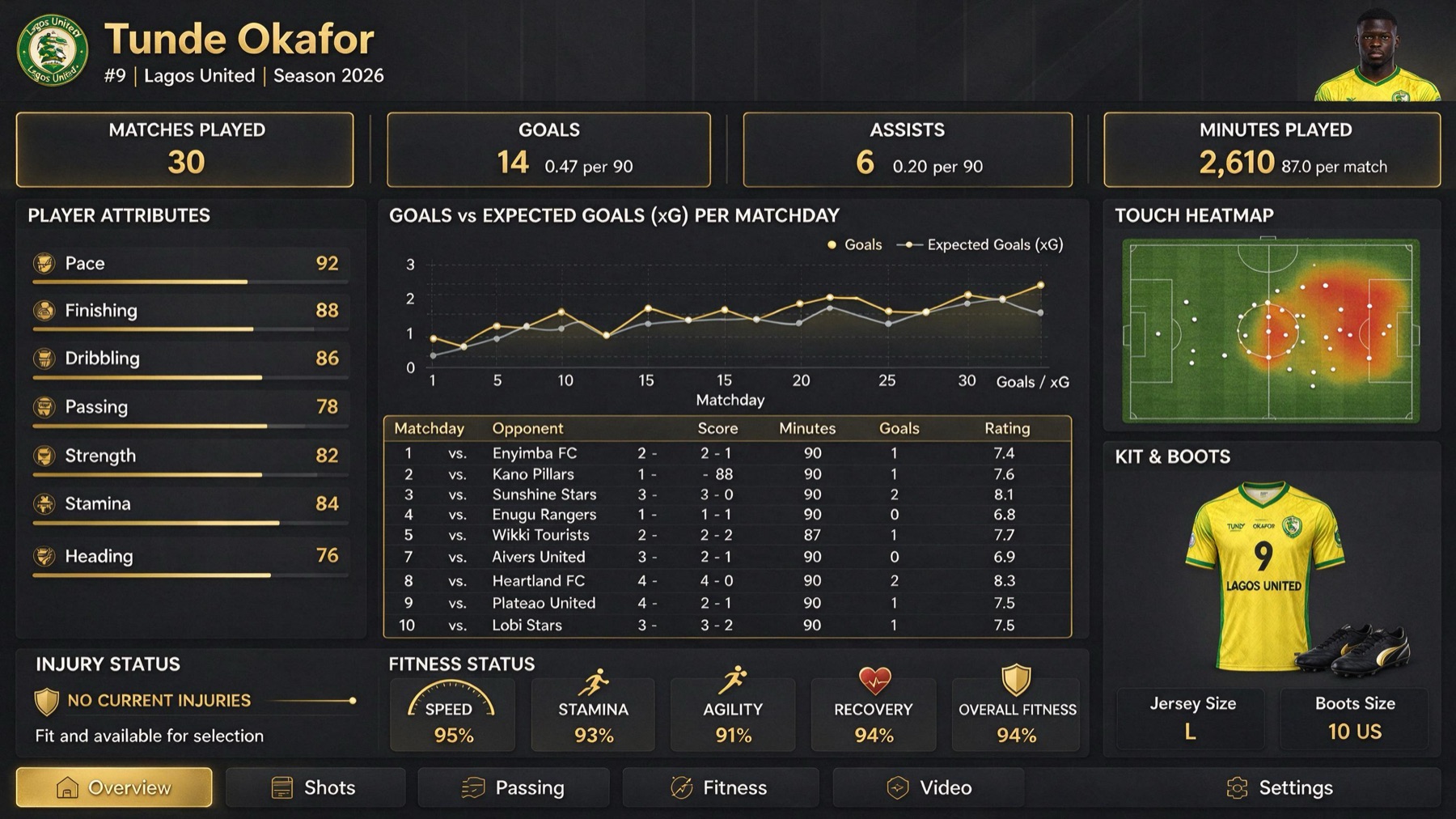
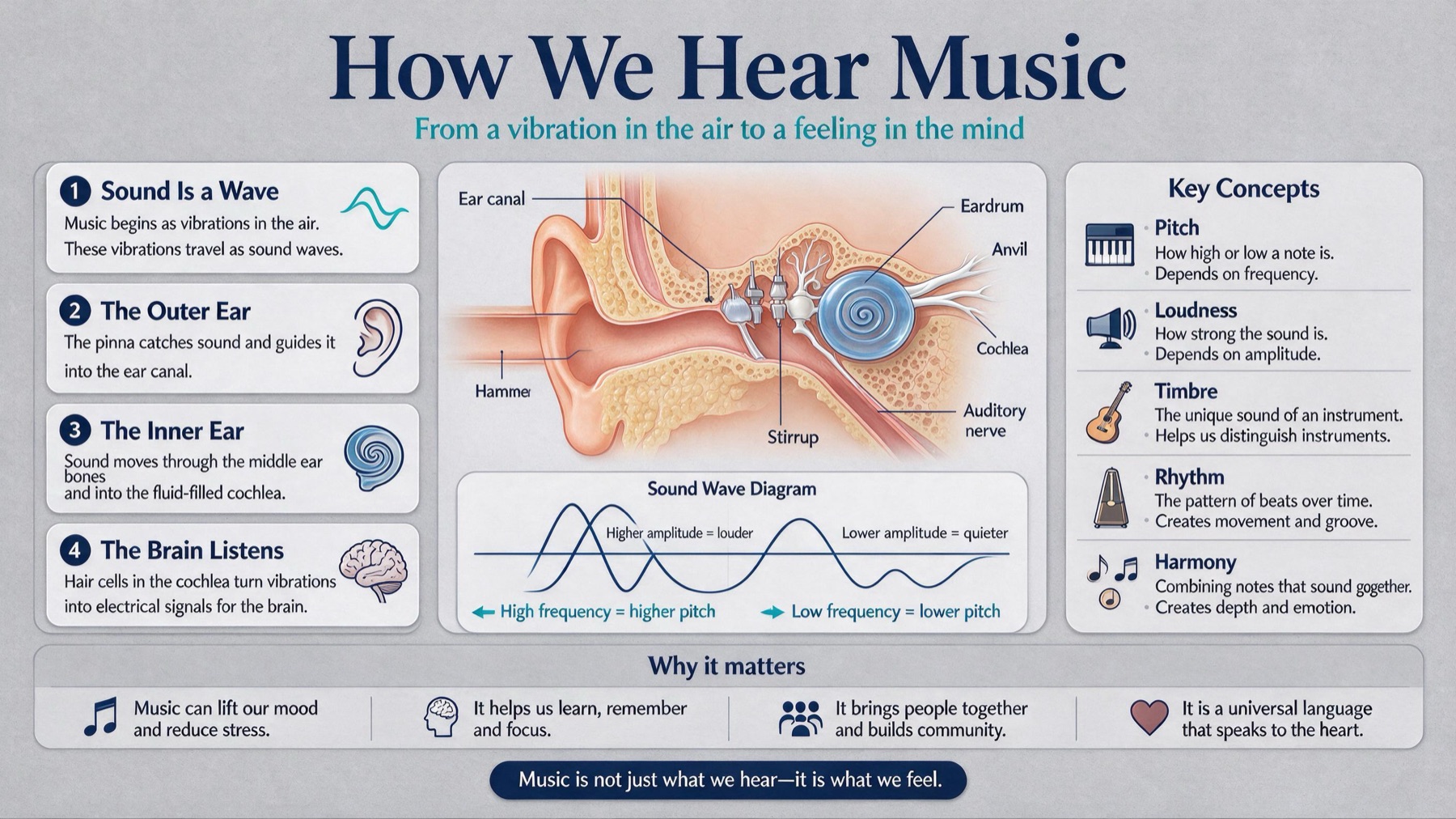
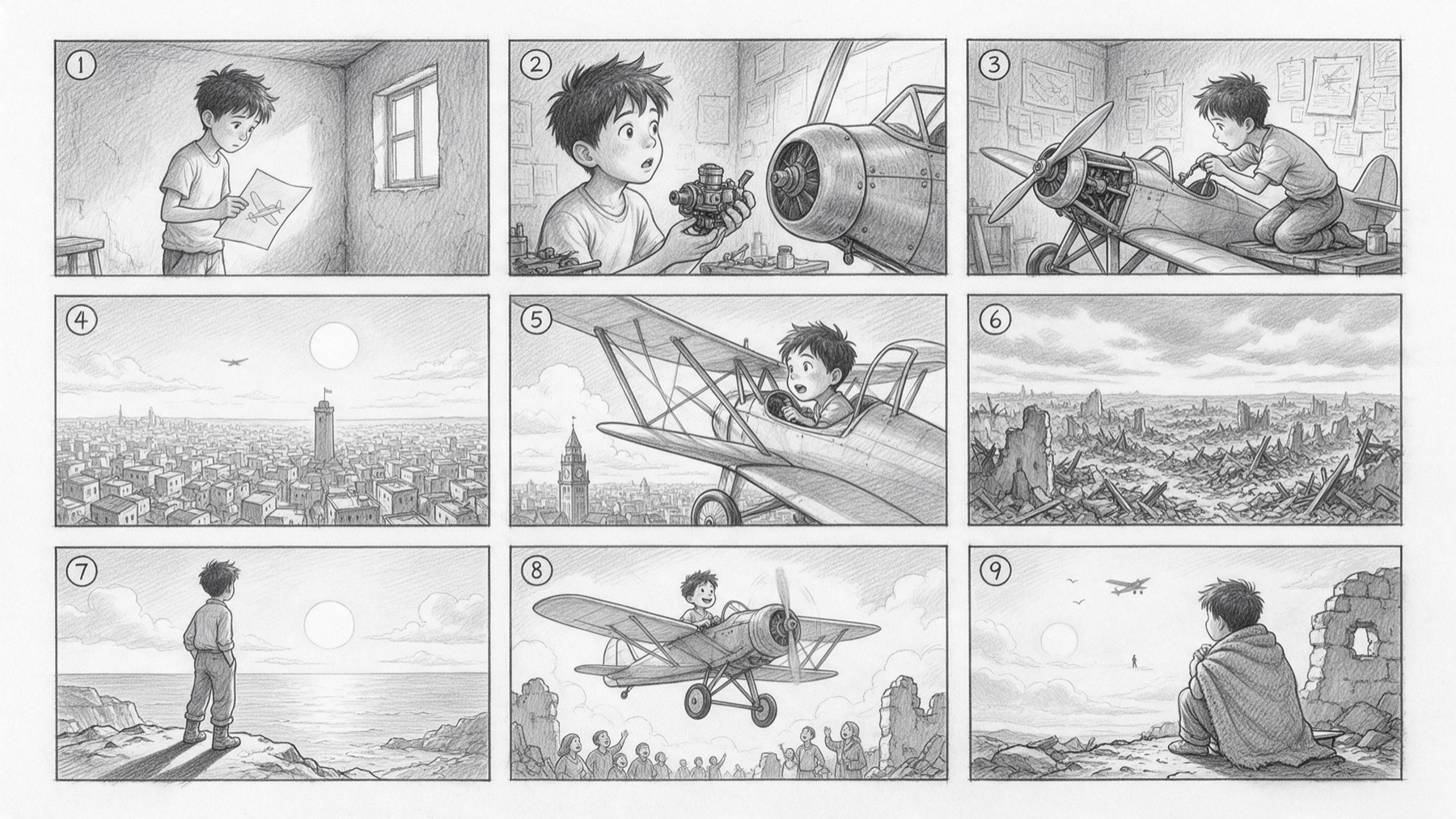
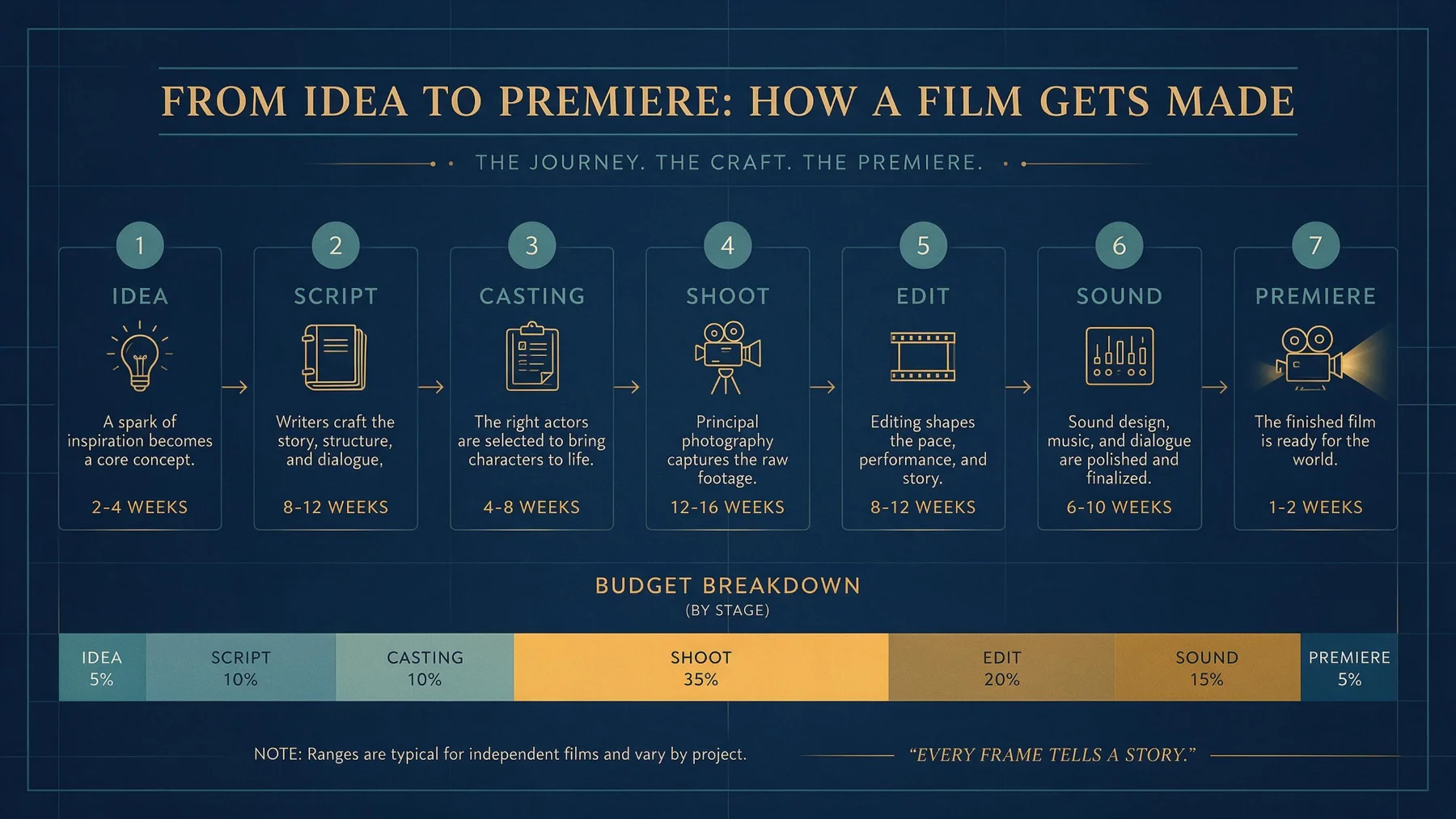
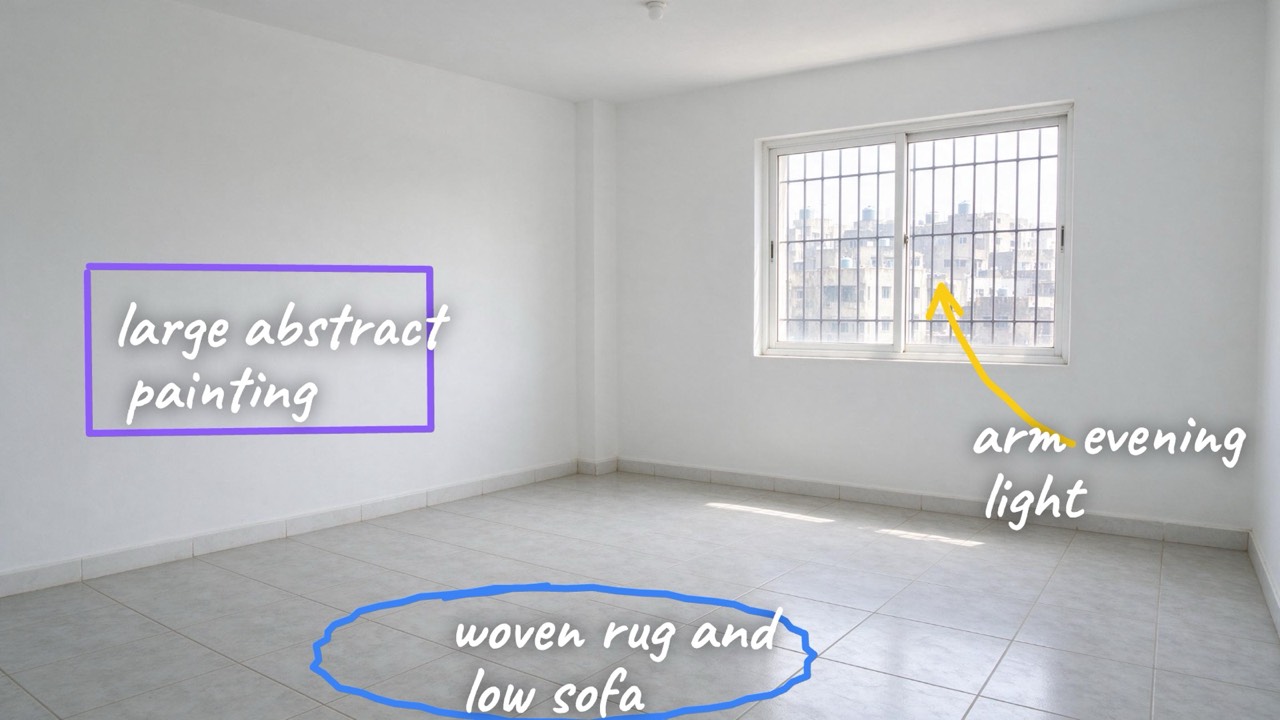
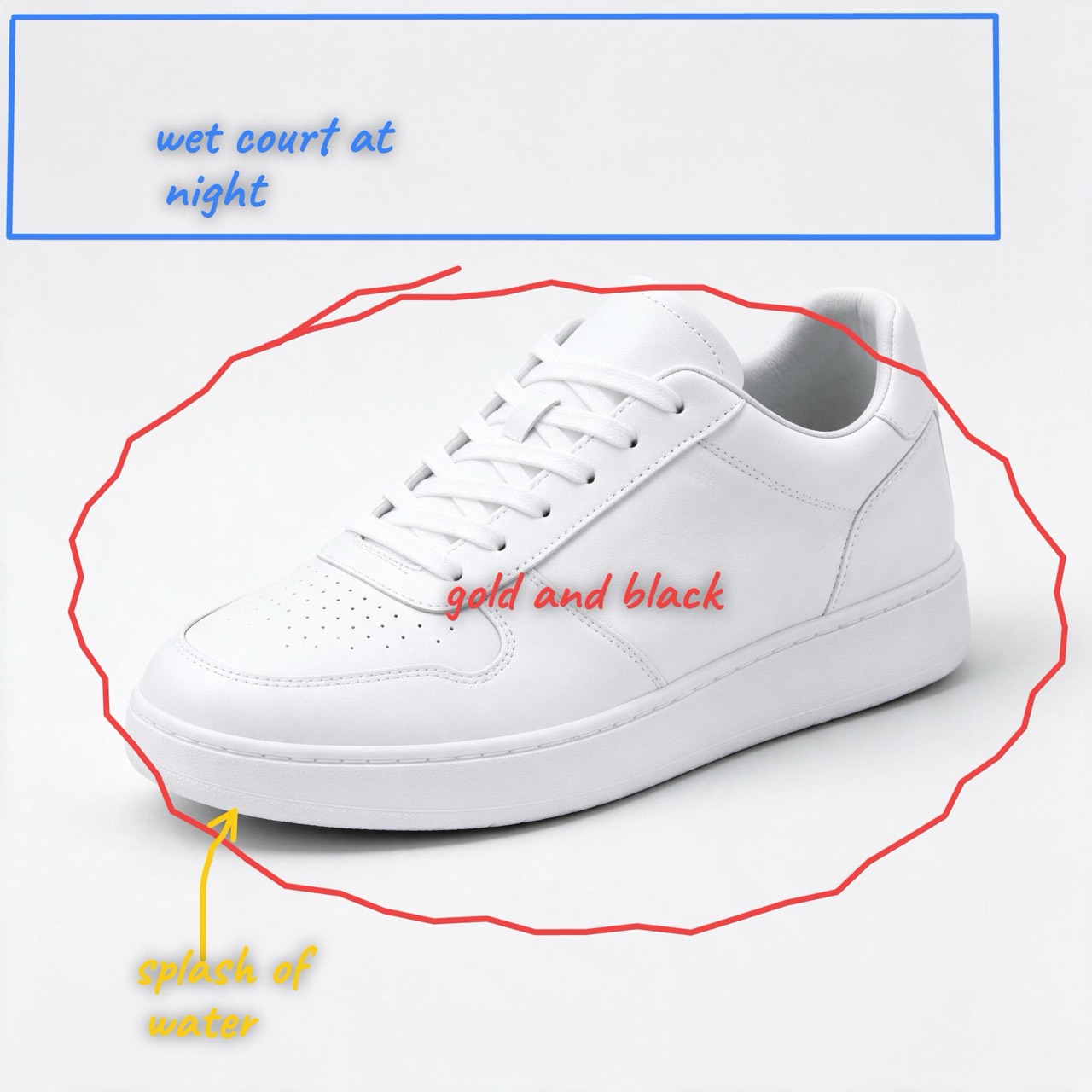
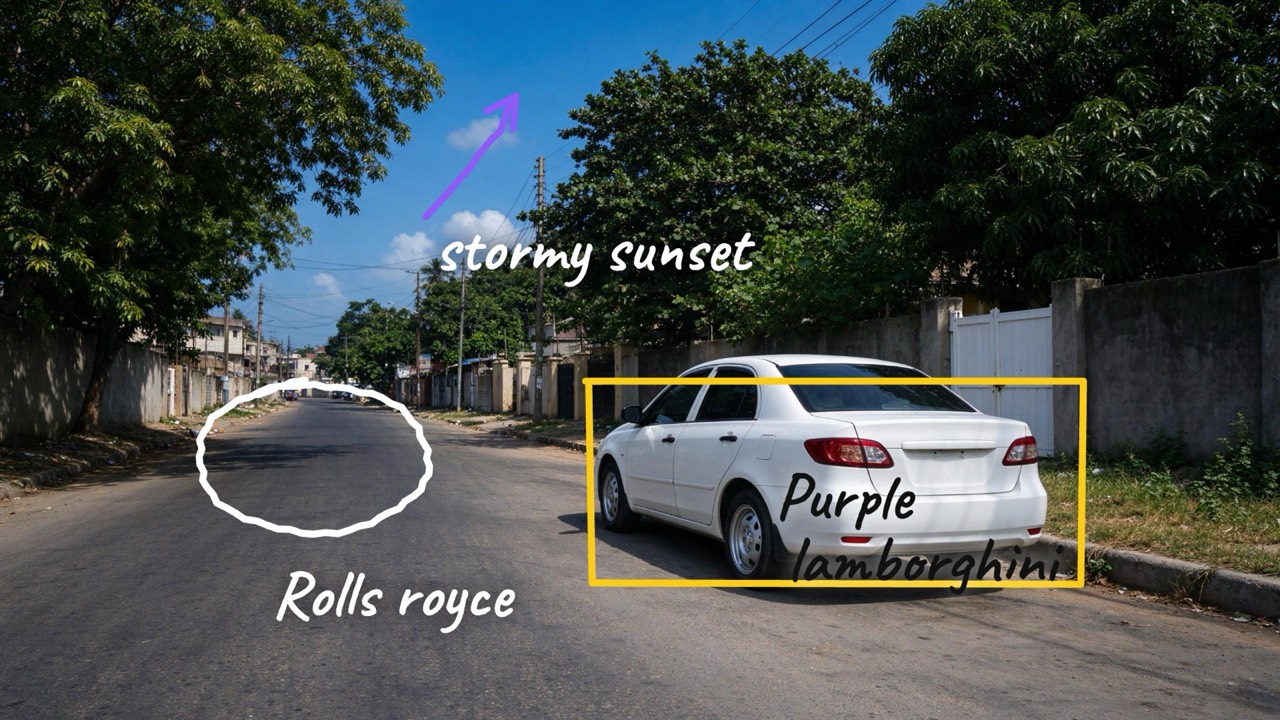
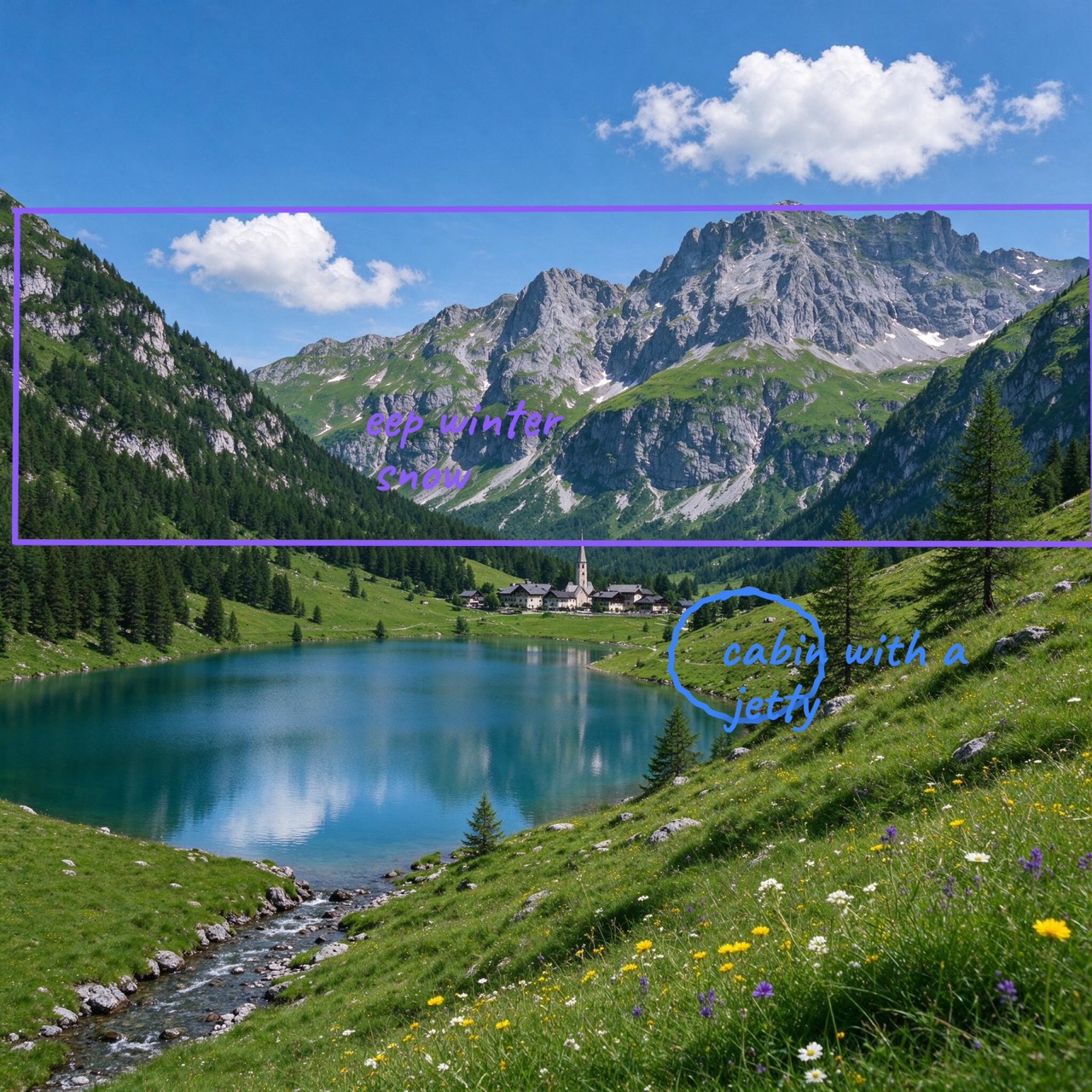
Responds precisely to the boxes, circles, arrows and sketches you draw on a picture, and can separate an image into layers, which opens up more ways to create.


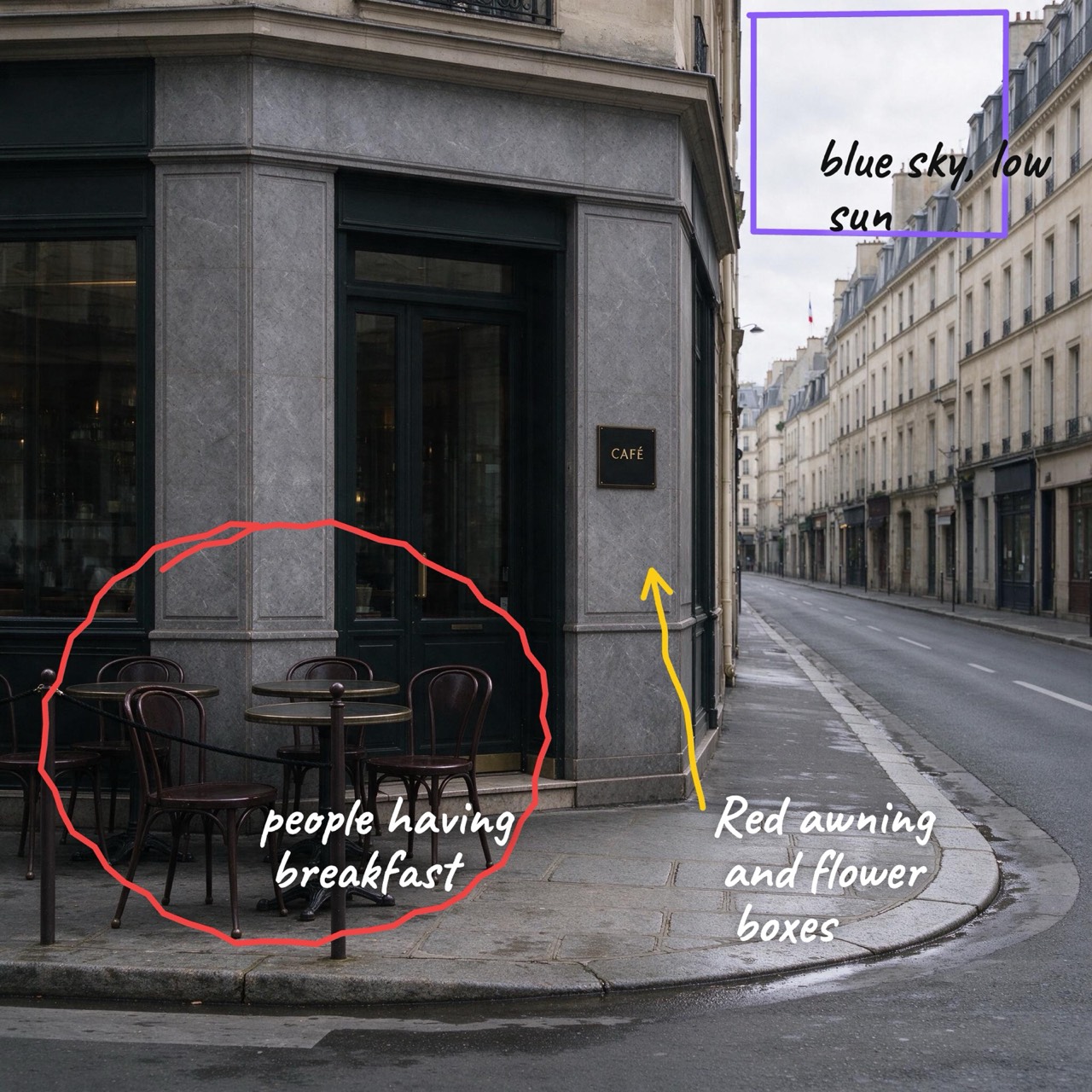

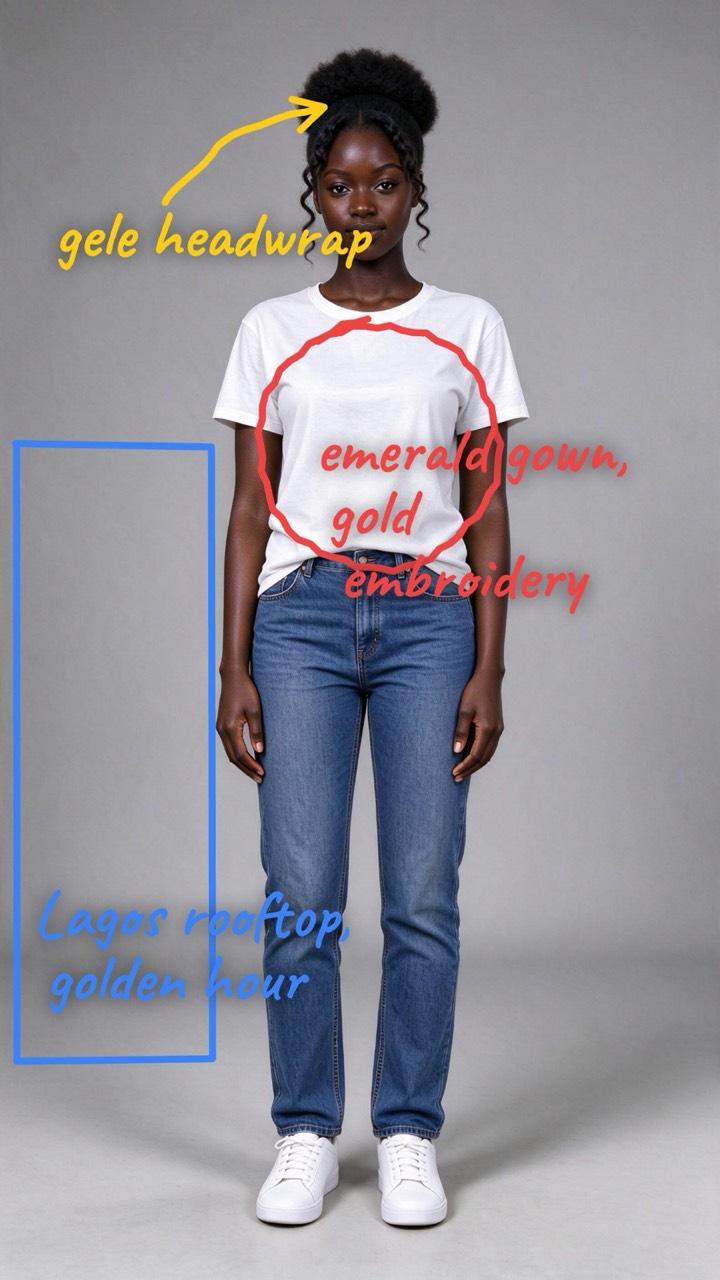
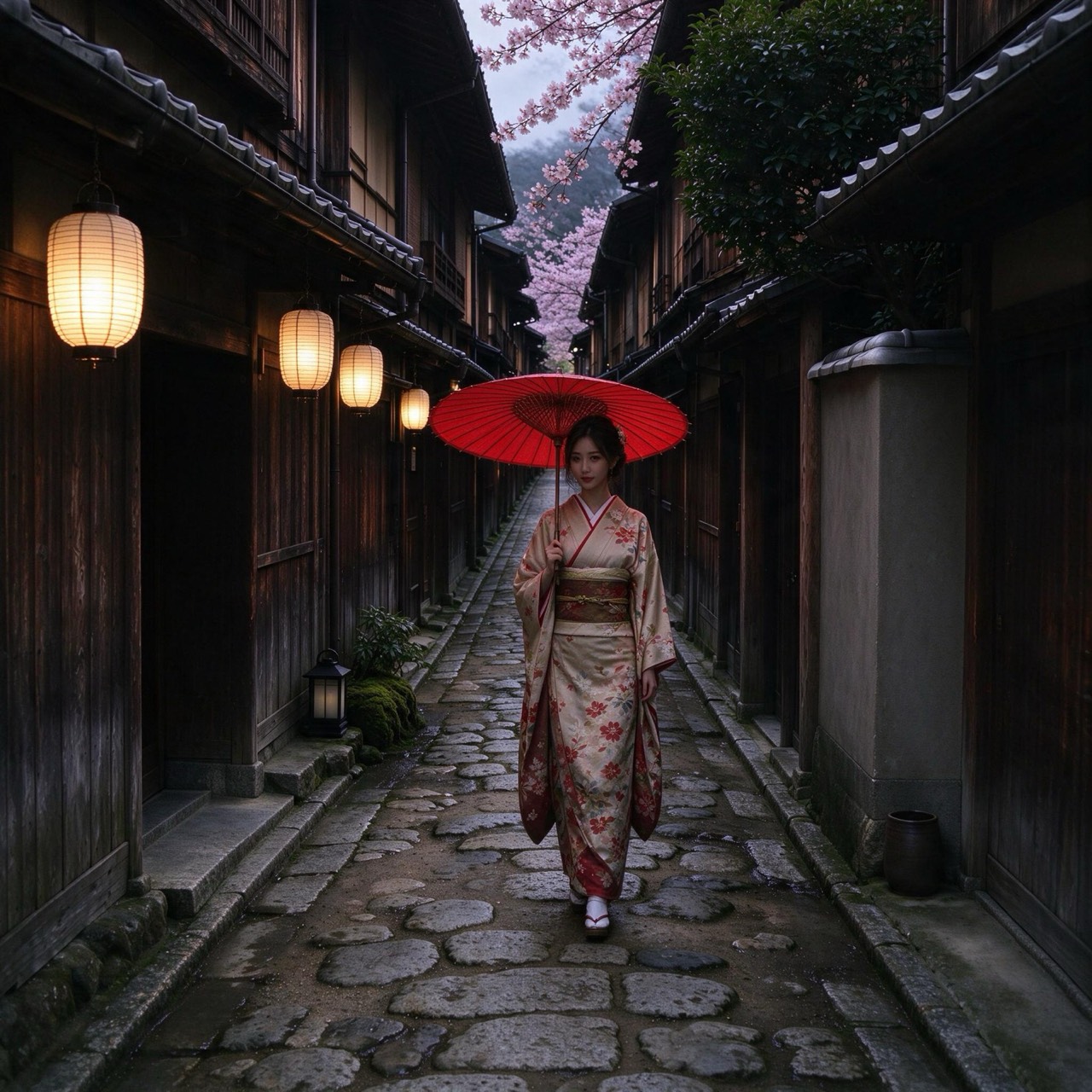
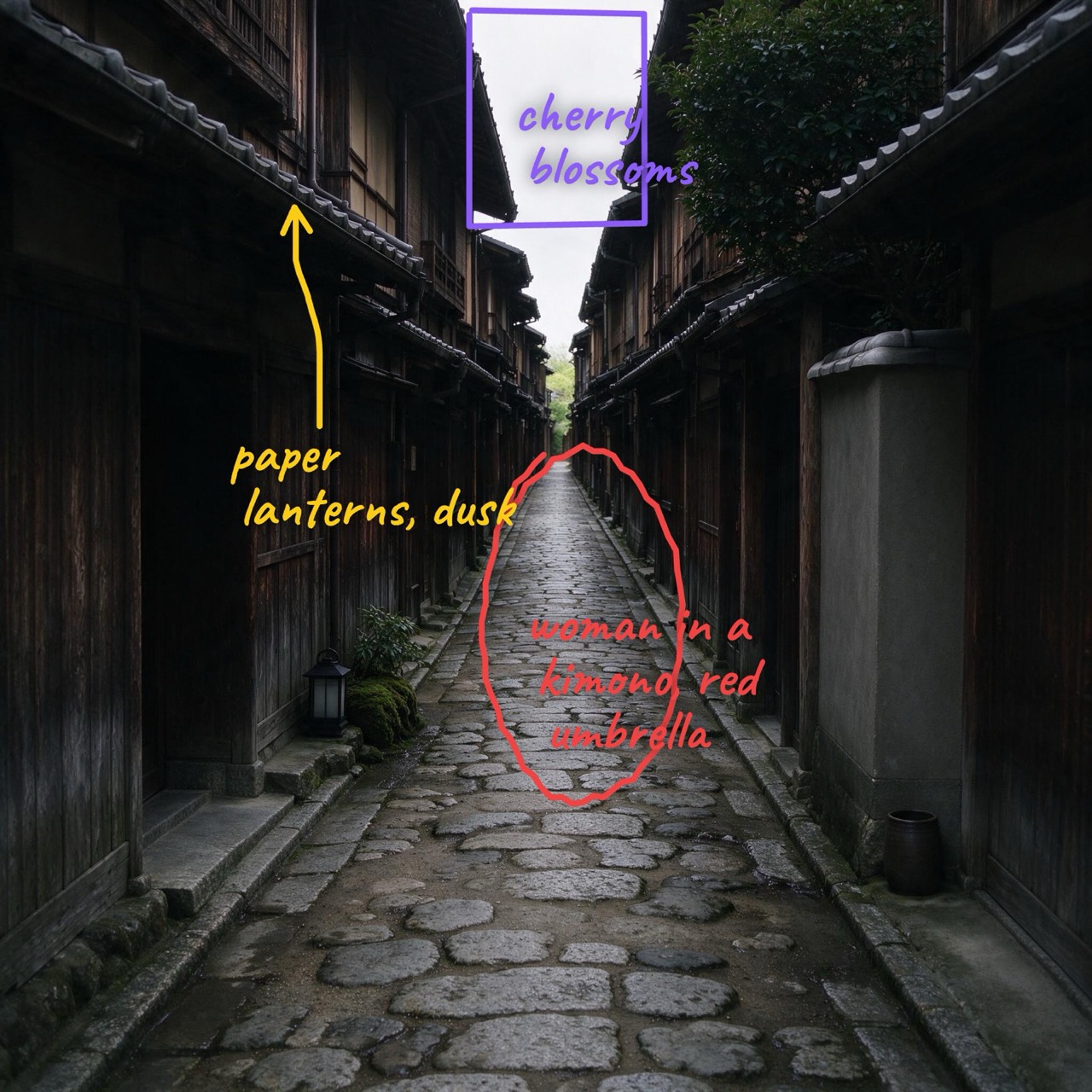
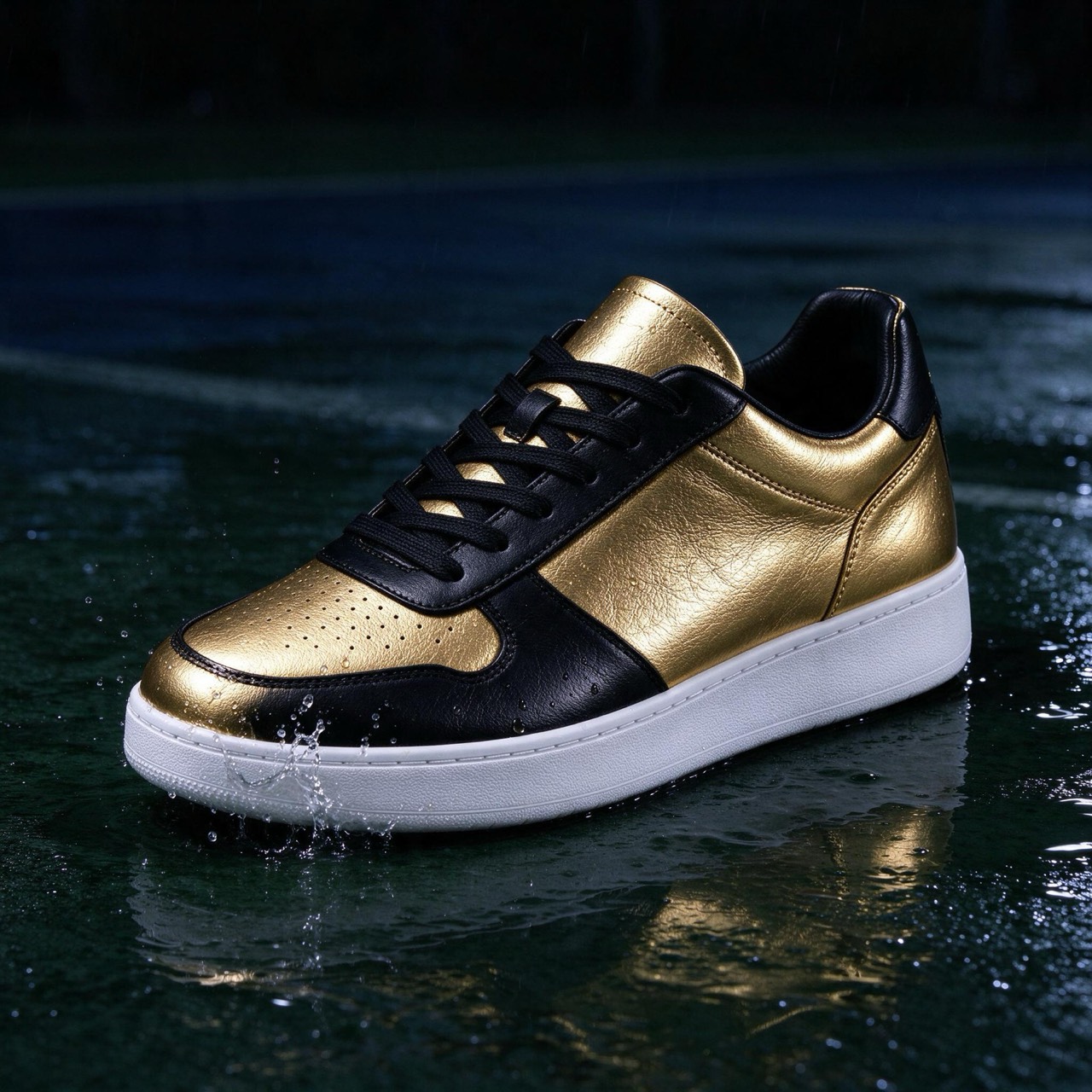
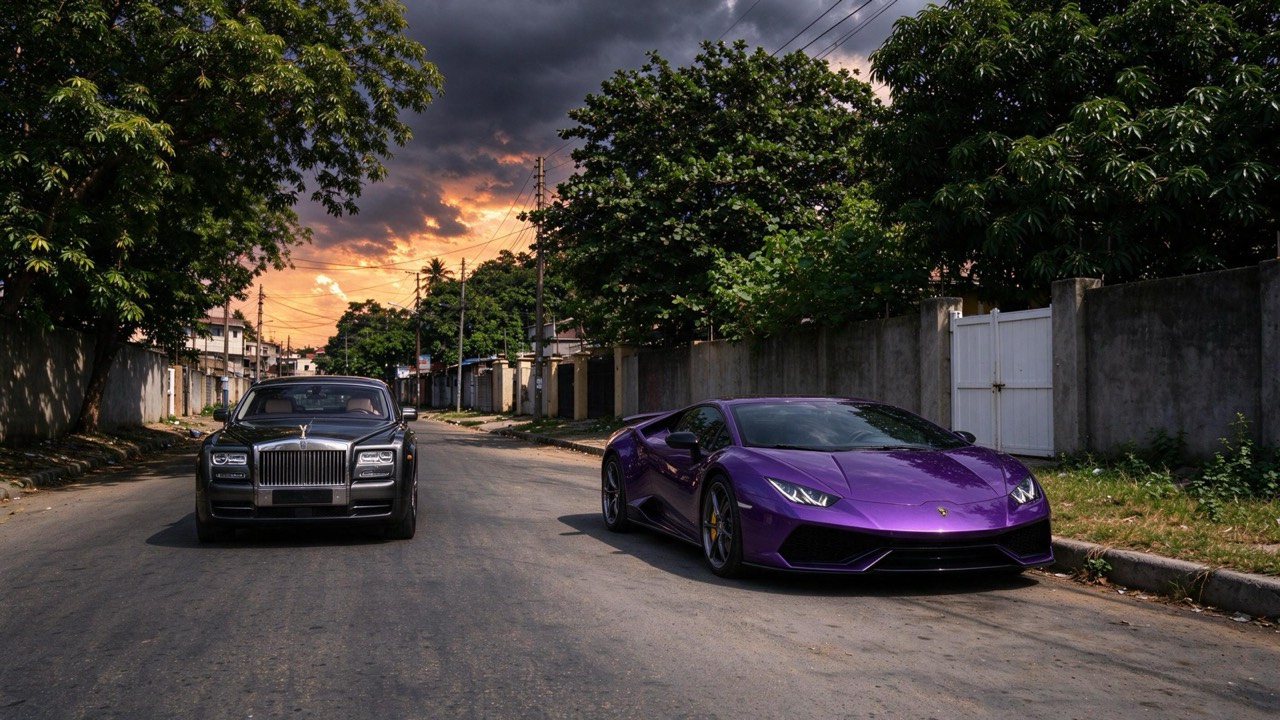

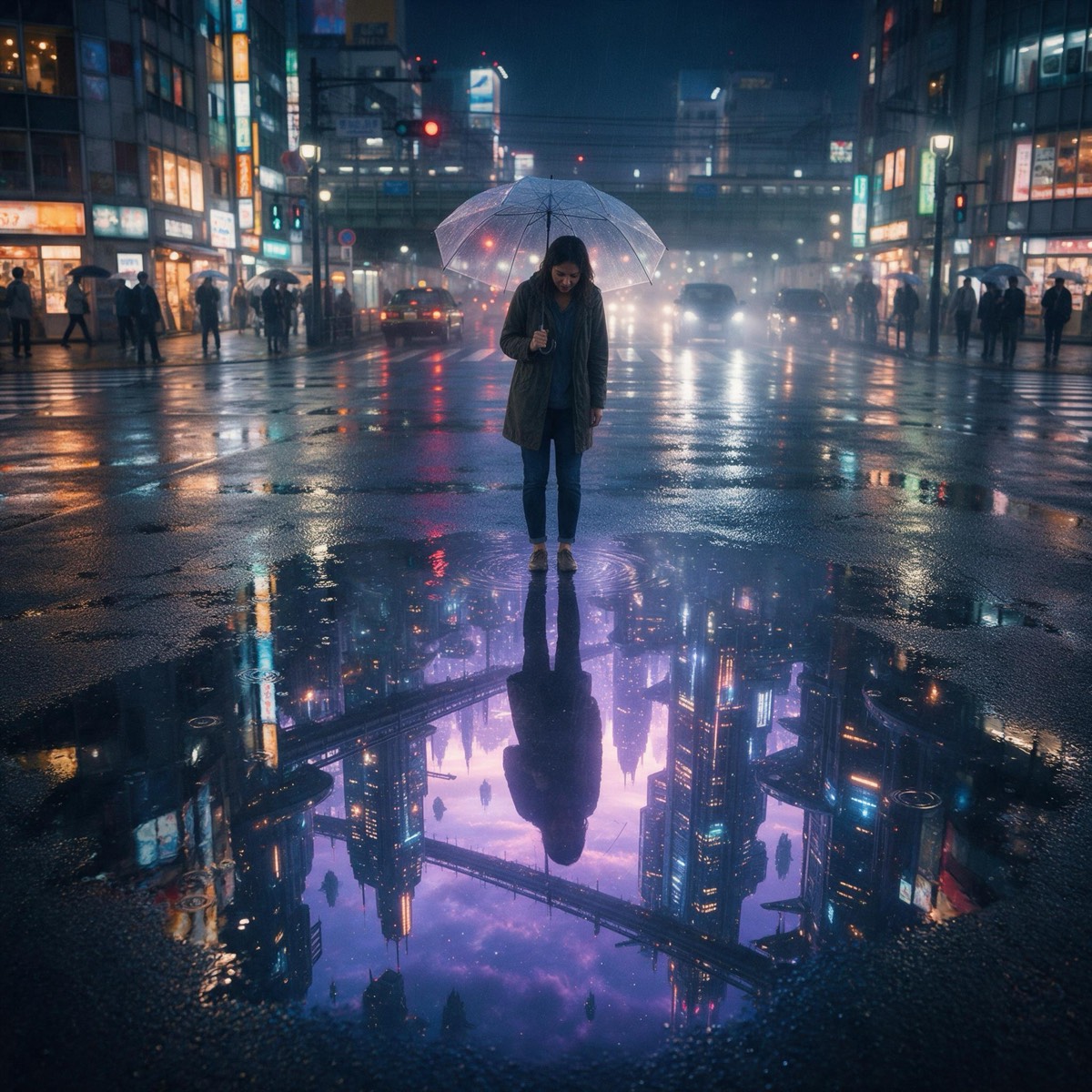
Recreates real physical light, shadow and the texture of human skin, for images that look photographed, not generated.



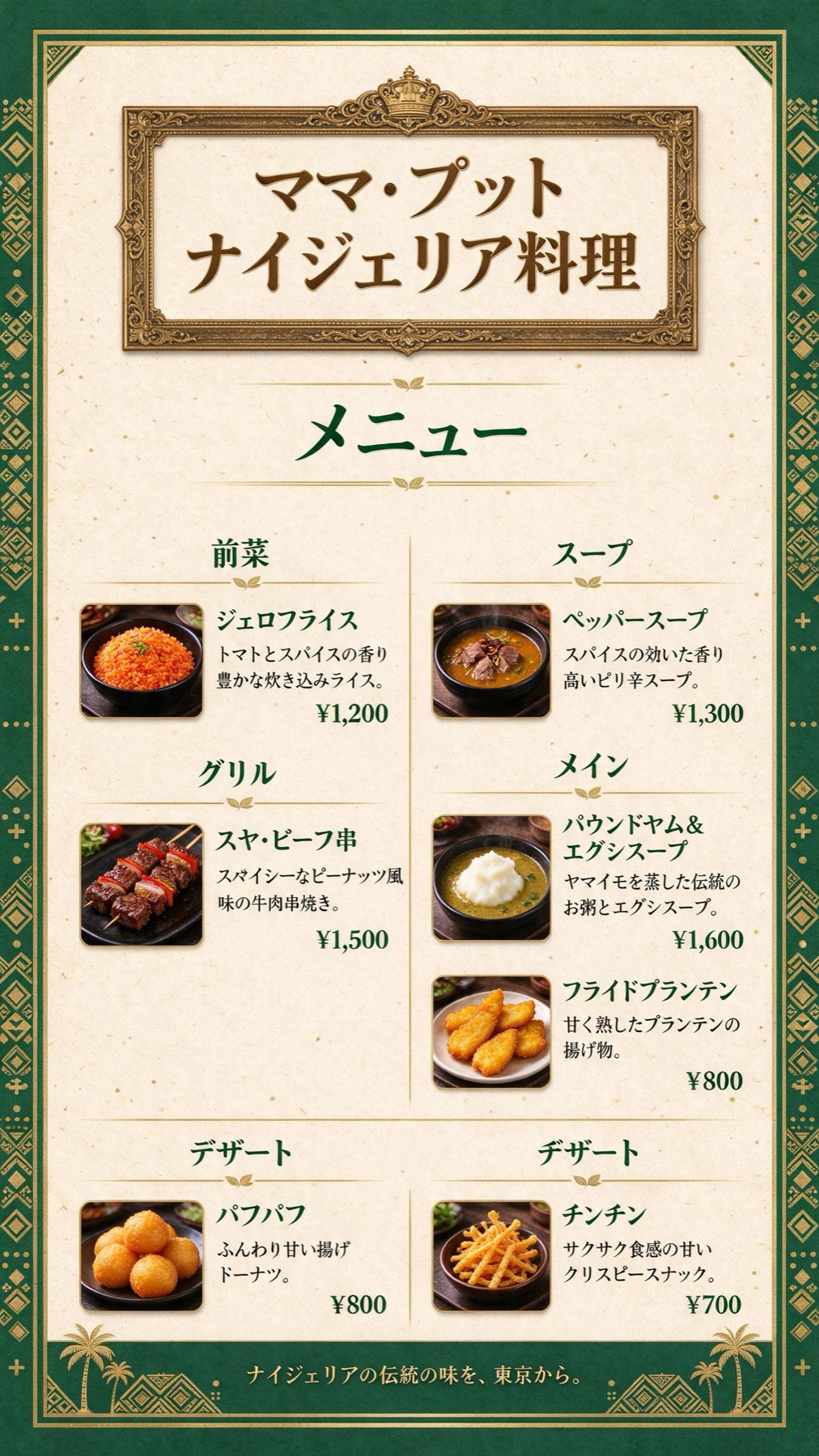
Works natively in about a dozen widely used languages, for prompts and for the words on the image, so it fits international creative work.

How it works
Who or what is in it, where, the light, the style; pick square, wide or tall.
Seedream 5.0 makes it in seconds; it waits in your images.
Press Edit, draw boxes, circles, arrows and notes on it, and say what to change.
One press opens AI Video Studio with the image as the start frame, in its shape.
What it does
In two versions: Flash, fast and economical, and Pro, the best quality. Your plan says which you use.
One of yours or one you upload: say what to change, and mark where with the drawing tools.
Every image can be the first frame of a video, so the look you choose is the look the video starts with.
Every image downloads at full size.
Square for feeds, wide for screens and thumbnails, tall for Stories and Reels.
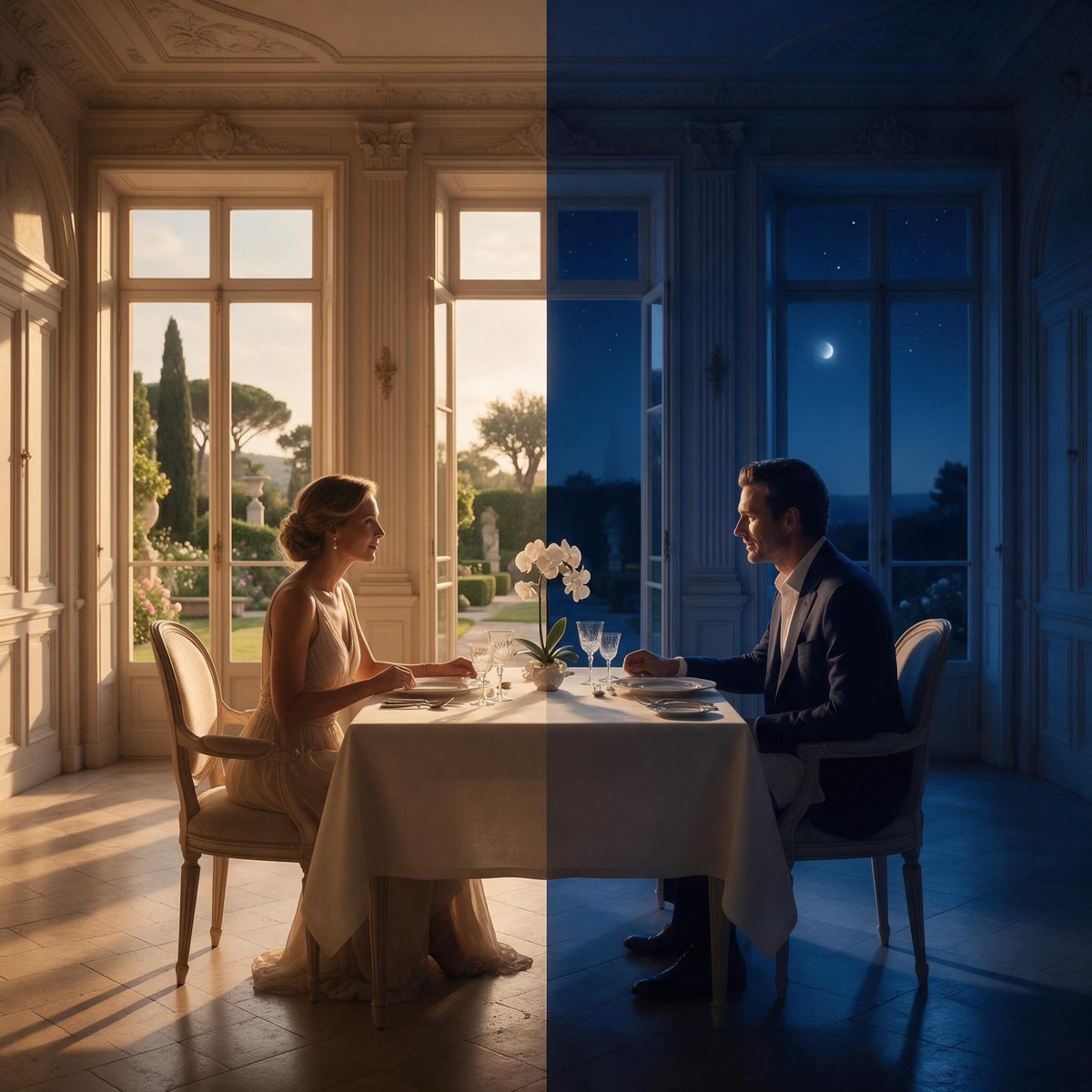
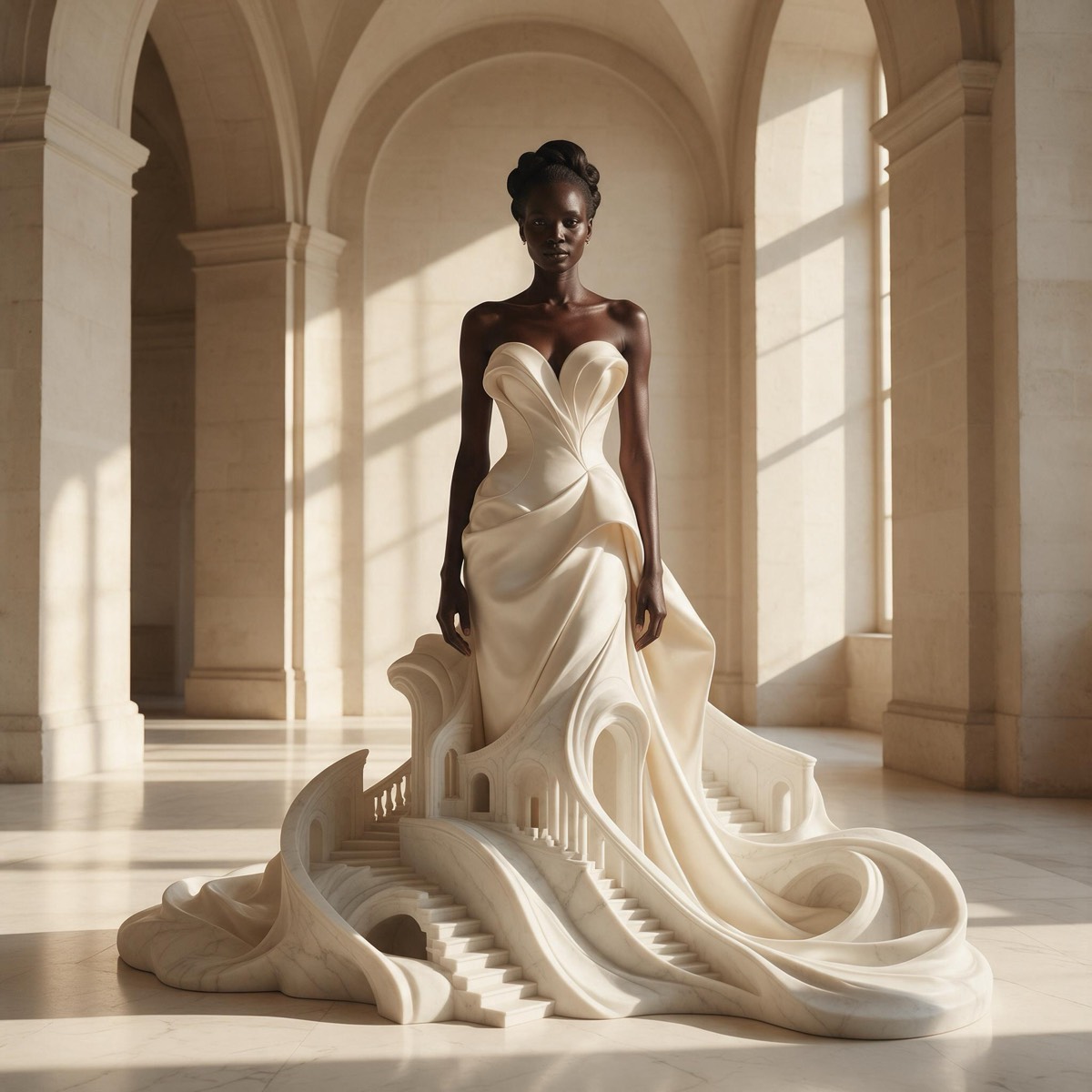
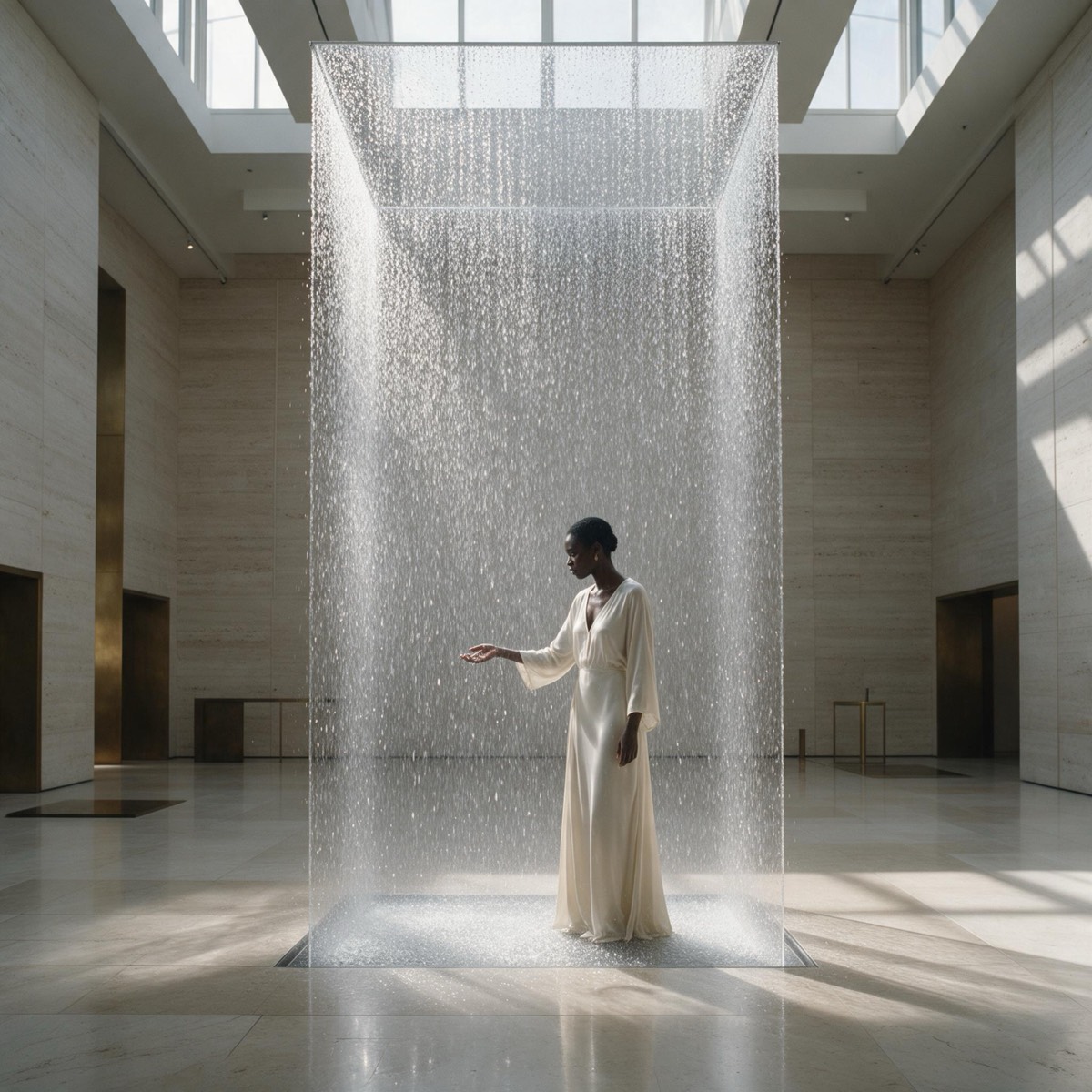
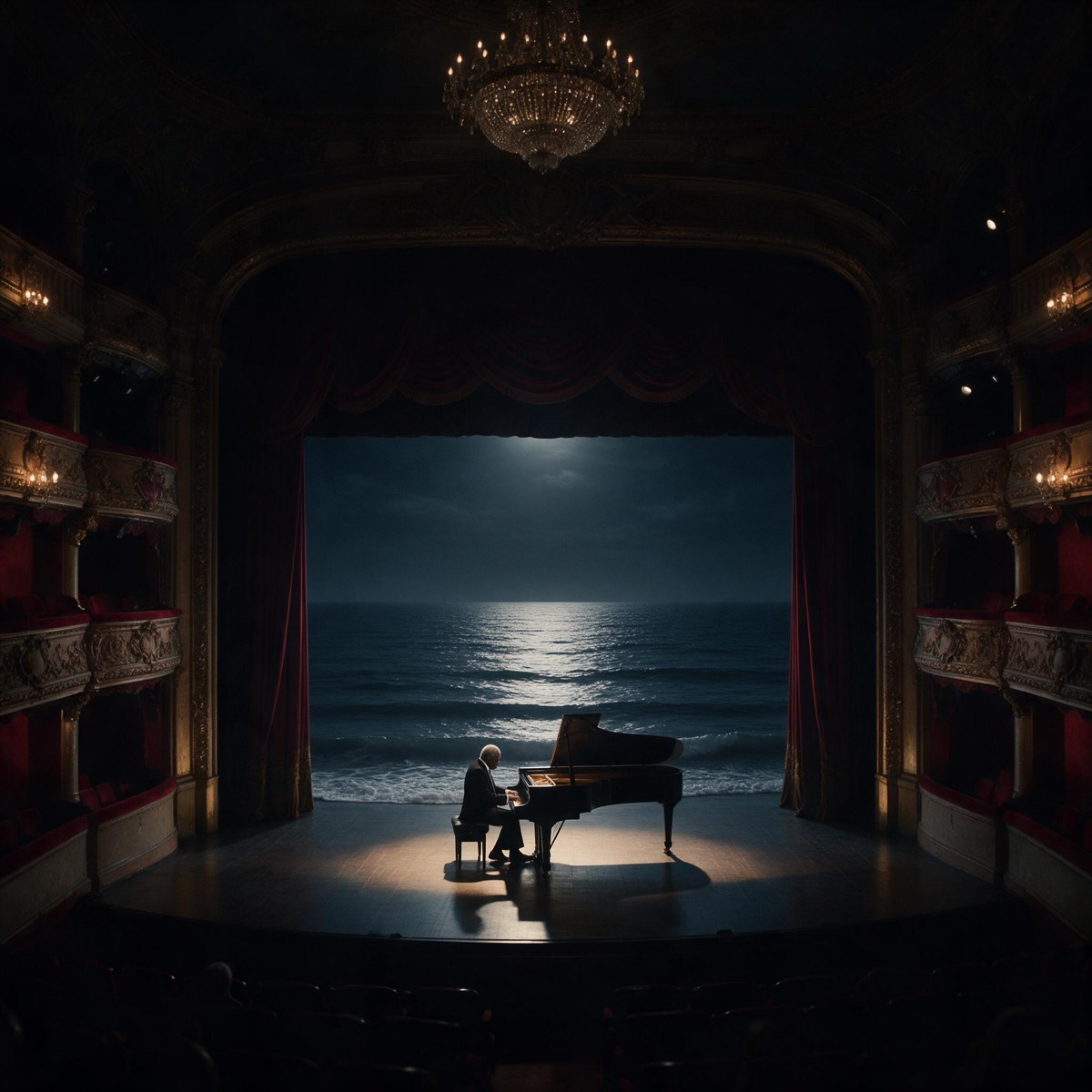
The sky is literally your starting point. Spark your next great idea here, and hover over any image to see the prompt behind it.




On which plans
A few credits each, shown on the button before you make one. Your plan says roughly how many images its credits make.
Yes: upload a picture in Edit, mark it up and say what to change. Real people in it need to have agreed.
Flash is quicker and cheaper; Pro is the best quality. The plans below say which each one uses.
More in AI Studio